Tom Lionne
Technical SEO
5 min read
Canonical tag: what it is, how to use it and 5 common mistakes
Canonical tag explained: syntax in the head, four use cases, five common mistakes, canonical vs 301 redirect, and how to check it in Search Console.
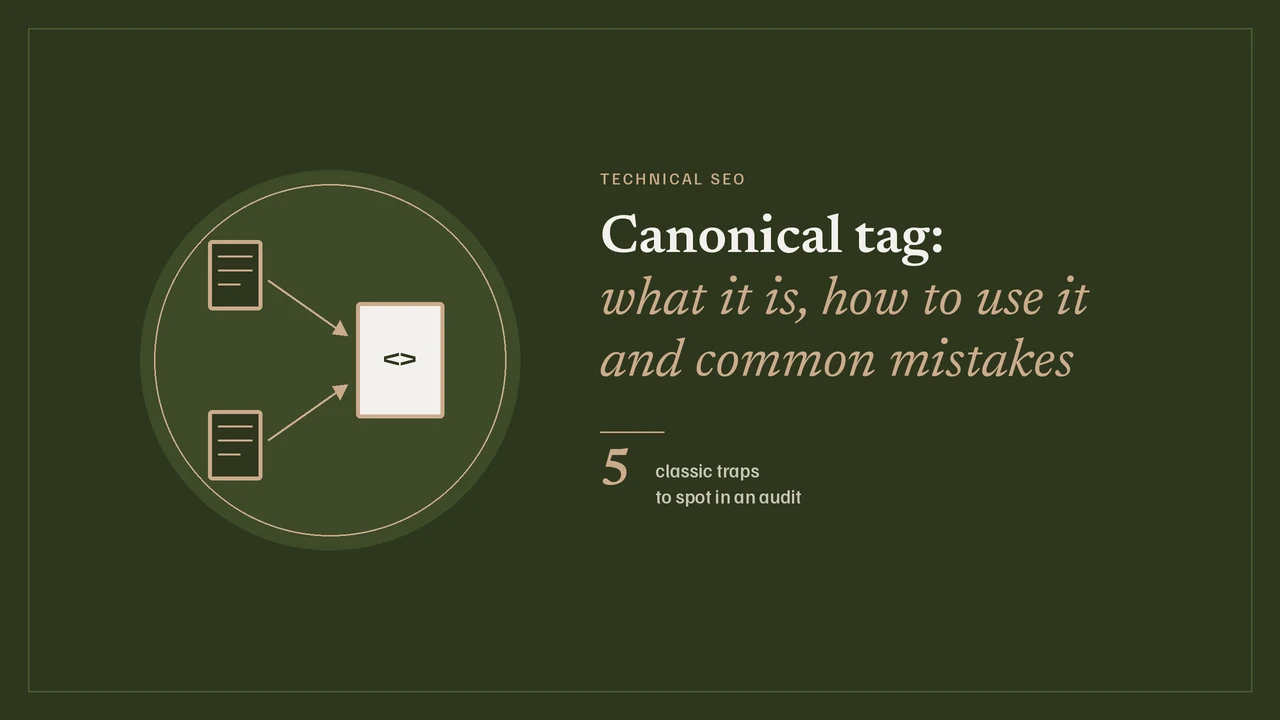
A canonical tag tells Google which URL to keep when several URLs show the same content, or almost the same. It goes in the head of the preferred page and points to that page itself, as an absolute URL. Unlike a 301 redirect, it leaves every version accessible: the visitor stays where they are, and only the search engine is guided. One detail changes everything, though: it is a signal Google weighs alongside others, not an instruction it executes.
What is a canonical tag, and what does Google do with it?
A strong signal, not an order
Google Search Central’s documentation on consolidating duplicate URLs ranks the methods by weight. Redirects and the rel="canonical" annotation are described as strong signals, the sitemap as a weak one. Google then decides for itself which pages are duplicates, based on how similar their content is. Your canonical is therefore a request Google listens to closely, rarely a guarantee.
Why duplicates almost always appear
A site does not need to be badly built to produce duplicates. A tracking parameter added to a link, a sorted list, a version with and without www, an old switch to HTTPS that was never finished: each one creates a second address for the same page. Without a clear signal, Google chooses for you, and its choice is not always yours.
Canonical tag syntax: self-referencing and cross-page
In the head, with an absolute URL
The basic form fits on one line. It goes in the head of the page, and Google states that the element is only accepted there: a tag slipped into the body of the HTML is ignored.
<link rel="canonical" href="https://example.com/shoes/running/">Google recommends absolute URLs rather than relative ones, and does not support fragments (whatever follows the #) for canonicalization.
Self-referencing: the page points to itself
The preferred page carries a canonical that points to its own URL. Google documents it explicitly as a self-referencing canonical. It costs nothing and protects you against URL variants created by links you do not control.
Cross-page: a variant points to the preferred version
On the variant, the tag names the other URL. The content must stay equivalent: you do not canonicalize a page to another page that says something else.
<!-- on https://example.com/shoes/running/?sort=price -->
<link rel="canonical" href="https://example.com/shoes/running/">
In the HTTP header, for files
A PDF has no head. Google accepts the canonical as a response header for web search, which is mostly useful for content published in several formats. Pick one method and stick to it: combining the HTML element and the header is described as more error-prone.
Link: <https://example.com/guide.pdf>; rel="canonical"Canonical tags in SEO: the four main use cases

Tracking and sorting parameters
The example in Google’s documentation is a URL carrying a gclid parameter, matched with the same URL without the parameter. utm_ parameters follow the same logic: the page is identical, only the address differs. A canonical pointing to the clean URL consolidates the signals.
Pagination and catalogue filters
For a paginated list, Google says not to use the first page as the canonical for the whole series, and to give each page its own canonical. For filters and sorting, it suggests noindex or blocking URL patterns in robots.txt instead. On a catalogue, the canonical is therefore not a universal fix: it handles near-identical variants, not the explosion of filter combinations.
HTTP, HTTPS and www
Among conflicting signals, Google mentions an HTTPS page whose canonical points to its HTTP version. To favour HTTPS, it suggests a canonical from the HTTP page to the HTTPS page. In practice, a 301 redirect settles this case more cleanly, with the canonical acting as a safety net.
Mobile and language versions
If the canonical page has a mobile variant on a separate URL, Google asks you to add a rel="alternate" link to it. For language versions, the canonical must stay within the same language, and hreflang annotations play no part in canonicalization. The two tags easily contradict each other when they are set up separately.
Canonical tag mistakes: the five classic traps
These five mistakes come up in most audits. The first column says what you see, the last one what to do.
| Mistake | What happens | Fix |
|---|---|---|
| Canonical to an error page | The target returns a 404 or a redirect: there is nothing to consolidate | Point to a page that returns 200 |
| Canonical chain | A points to B, which points to C: the signal gets diluted and depends on Google’s interpretation | Point A straight to the final version |
| Mismatch with the sitemap | The sitemap lists one URL, the canonical names another: two opposite signals | List only canonical URLs in the sitemap |
| Mobile different from desktop | The mobile and desktop versions each declare a different canonical | Align the declarations, add the alternate link |
| Missing self-canonical | The preferred page does not point to itself, URL variants keep competing | Add a self-referencing canonical everywhere |
Two other mistakes often slip in alongside. Google advises against specifying several different canonicals for the same page through different methods. It also advises against using robots.txt instead of a canonical: a blocked page cannot be read, so neither can its tag.
Before deploying, make sure the target page returns 200, is indexable and is listed in the sitemap. A canonical pointing to a noindex page sends two contradictory messages, and Google picks one without telling you.
Canonical tag vs 301 redirect: when to use which
The question comes down to one sentence: a 301 removes a duplicate, a canonical tolerates one. Google’s documentation keeps redirects for when you want to get rid of a duplicate page, and presents the canonical as the solution for duplicates that stay accessible. If a term trips you up along the way, the SEO glossary defines it in one line.
- Use a 301 when the old URL has no reason to exist any more: domain change, redesign, merged pages. Each status code is covered in the guide to 301, 302 and 307 redirects.
- Use a canonical when both URLs must stay visible to users: a page with tracking parameters, a sorted variant, a product reachable through two categories.
Cross-domain canonicals: handle with care
A canonical can point to another domain. For syndication, though, Google does not recommend it: in its view, the most effective solution is for partners to block the indexing of your content. A cross-domain canonical remains useful when you control both sites, less so when a third party republishes your text.
How to check a canonical tag, and whether Google follows it
URL Inspection and crawlers
The URL Inspection tool in Search Console shows the canonical you declared and the one Google selected. It is the only way to see Google’s choice, and the first thing to check when a page does not show up as expected. To audit a whole site, a crawler such as Screaming Frog lists missing canonicals, self-referencing ones and those pointing to non-indexable pages.
Does Google really follow your canonicals?
Not always. Google’s troubleshooting documentation says so plainly: it may choose a different canonical for various reasons, and it is up to you to judge whether its choice serves your users better than yours. When signals contradict each other (redirects, sitemap, internal links, hreflang), the gap shows up quickly. The remedy fits in one word: consistency, everywhere, on the same URLs.