Tom Lionne
SEO and AI
6 min read
What is llms.txt? What the file is for and how to create one
The llms.txt file explained: what the specification really says, how to create one in twenty minutes with a free generator, and what Google actually does with it today.
The llms.txt file is a Markdown file placed at the root of a website to give large language models a readable map of its useful content. It consists of a title, a summary and lists of annotated links, takes twenty minutes to write, and requires no plugin. One question remains that most guides avoid: who actually reads it today. The honest answer fits in one sentence, and it comes further down.
What is llms.txt? What the specification says, and what it does not
A proposal from September 2024, revised since
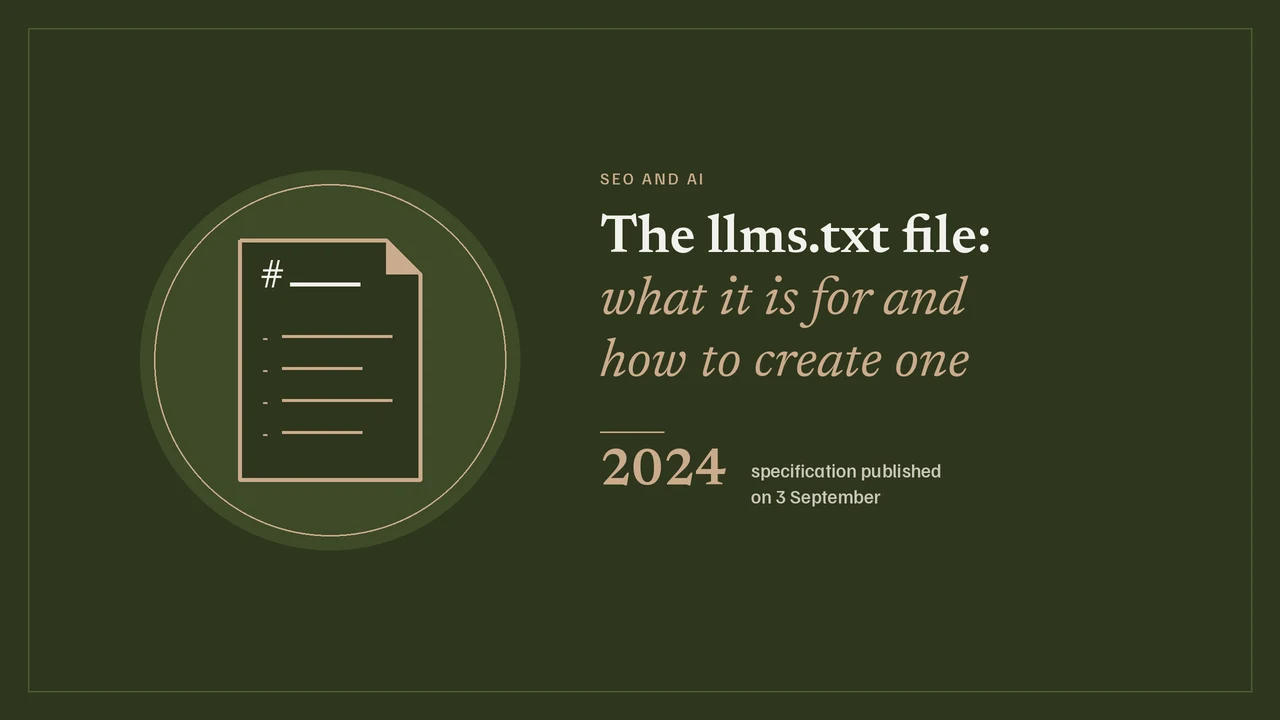
The specification was published on 3 September 2024 by Jeremy Howard, co-founder of Answer.AI and fast.ai, on the llmstxt.org website. The starting point is simple: a web page contains a menu, a footer, consent banners and markup, whereas a language model only needs the useful text and a clear hierarchy. The file therefore offers a directly readable version, without the machine having to guess what matters. The document has been revised since, with a second version dated August 2026: the proposal, originally presented as speculative, has become common practice in one specific sector, technical documentation.
What the file actually contains
The specification sets an order, and only one mandatory section. First comes a level 1 heading with the name of the site, the only required element. Next is a blockquote summarising the site in one or two sentences. Then, freely, paragraphs or untitled lists to give more context. Finally, level 2 sections listing links in Markdown format, each of which can be followed by a colon and a short description. A section named Optional is used by convention for secondary material, which a model can skip without losing anything essential.
The file goes at the root, at the address /llms.txt, but the specification also allows any path, for example /docs/llms.txt. In that case, it only covers the URLs under that path.
llms.txt format: the exact structure, with an example
A minimal example you can copy as it is
Here is the shortest form that follows the specification. The title, the summary, one section of links, and that is all.
# Site name

> Independent SEO consultant. Audits, ongoing support and free tools for sites that want to be found.

## Services

- [Full SEO audit](https://example.com/seo-audit/): the three audits, the debrief and the prioritised plan
- [Technical SEO audit](https://example.com/technical-seo-audit/): crawling, indexing, rendering, performance

## Tools

- [Robots.txt tester](https://example.com/robots-txt-tester/): check whether a URL is allowed

## Optional

- [Legal notice](https://example.com/legal-notice/)
Every link benefits from a short description after it: that is what lets a model pick the right page without having to load them all. A thirty-line file with good descriptions is worth more than an export of two hundred URLs with no context.
llms-full.txt, the convention that is not in the specification
Many guides present /llms-full.txt, which concatenates all the content into a single file, as the second half of the standard. That is inaccurate: llmstxt.org does not mention it. It is a convention popularised by documentation platforms, useful when a model needs to ingest an entire knowledge base, cumbersome in every other case. Nothing requires you to produce it, and on an editorial site it mostly duplicates content that is already accessible.
How to create an llms.txt file: the generator
llms.txt file generator
Fill in your site and your key pages. The file is built live, in your browser, with nothing sent anywhere.
Upload it to the root of your site, so it is reachable at your-domain.com/llms.txt
The simplest approach is to write it by hand in a text editor. If you would rather start from a template, the tool above builds the file from your sections and links, then hands it back ready to copy or download. Everything happens in your browser: nothing is sent anywhere and no email address is requested.
llms.txt on WordPress: serving the file without installing a plugin
The most robust method needs no plugin: upload the file to the root of the site, next to wp-config.php, via FTP or your host’s file manager. It will be served as it is, like robots.txt, and no update can break it.
If you have no server access, a few lines in the child theme’s functions.php file are enough: you intercept the request for /llms.txt and return the content as plain text. Plugins are starting to offer the feature, often bundled with an AI optimisation module, but adding a whole plugin to serve a two-kilobyte static file is a poor trade-off, especially if you keep an eye on performance.
Open your-domain.com/llms.txt in a browser. The file should display as plain text, return a 200, and not be blocked by your robots.txt file. A classic mistake is disallowing crawling of the very file meant to guide the models.
llms.txt vs robots.txt vs sitemap.xml: what each one is for
For the structured description of the content itself, JSON-LD schema markup takes over from these three files.
The three files live in the same place and are easily confused. Yet they do not answer the same question.
| File | Question it answers | Who reads it |
|---|---|---|
| robots.txt | Am I allowed to crawl this URL? | All crawlers, AI crawlers included |
| sitemap.xml | What are all the URLs on the site? | Classic search engines |
| llms.txt | Where should I start to understand this site? | Language models, when they ask for it |
The first is a permission, the second an inventory, the third an annotated selection. That last quality is what makes the format worthwhile: it forces you to decide which ten or fifteen pages truly represent your site. If you first want to check what you allow, our robots.txt tester applies the same rules as Google to a given URL.
Does Google use llms.txt? What search engines actually do with it today
Here is the sentence most articles on the subject leave out: Google has stated publicly that it does not use llms.txt. John Mueller compared the proposal to the meta keywords tag, pointing out that no AI service was asking for the file, and the official position is that no machine-readable file is needed to appear in the results.
Real adoption is elsewhere. The format has caught on with publishers of technical documentation and software, where it provides a concrete service: offering coding assistants a clean version of a large body of documentation. On a brochure site or a blog, the measurable effect today is zero, and it is worth knowing that before spending a day on it.
That does not make it useless. The file takes twenty minutes, carries no risk, and the selection exercise it imposes is useful anyway: it quickly reveals that a site has fifteen important pages and two hundred pages of filler. Beyond that, what makes an AI cite you comes down to content and sources, which is the core of my GEO consulting work.
llms.txt mistakes to avoid
- Copying your entire sitemap: the file loses its reason for existing, which is to select.
- Leaving out descriptions after the links: without them, a model has to load every page to find out what it contains.
- Producing an llms-full.txt of several megabytes on an editorial site: nobody will read it, and it will need maintaining.
- Letting the file go stale: dead links in a file meant to be authoritative are worth less than no file at all.
- Blocking the file in robots.txt, or placing it in a subfolder thinking it covers the whole site.
- Treating it as a ranking lever: nothing suggests it is, and selling it as one is dishonest.