Tom Lionne
Tool reviews
8 min read
GetResponse review: pricing, free trial and features of the all-in-one email marketing platform
GetResponse review: newsletters, automation, landing pages, sales funnels, webinars and online courses. 14-day free trial, plans from $15.58 a month billed yearly.
Sending a newsletter is one thing. Capturing sign-ups with a dedicated page, welcoming them with an email series, inviting them to a webinar and then selling them a course is another, and it often takes four subscriptions to get there. GetResponse brings all of that together in a single platform. More than 350,000 customers use it worldwide, and every plan comes with a 14-day free trial.
This page contains affiliate links: if you subscribe to GetResponse through them, I earn a commission, and you pay the same price.
Here is what the tool does, what each plan costs and who it is for.
- An email marketing and automation platform, with unlimited sends on every plan.
- Landing pages, sign-up forms, popups and sales funnels in the same tool.
- Webinars, a course creator and premium newsletters to sell what you know.
- 24/7 support from the Customer Success team.
- A 14-day free trial with no credit card, then plans from $15.58 a month billed yearly.
What is GetResponse?
GetResponse is all-in-one email marketing software. It started in Poland as a simple autoresponder, is one of the longest-standing tools on the market and now employs more than 300 people. The company reports a 99% deliverability rate, customers in more than 160 countries and more than 150 integrations.
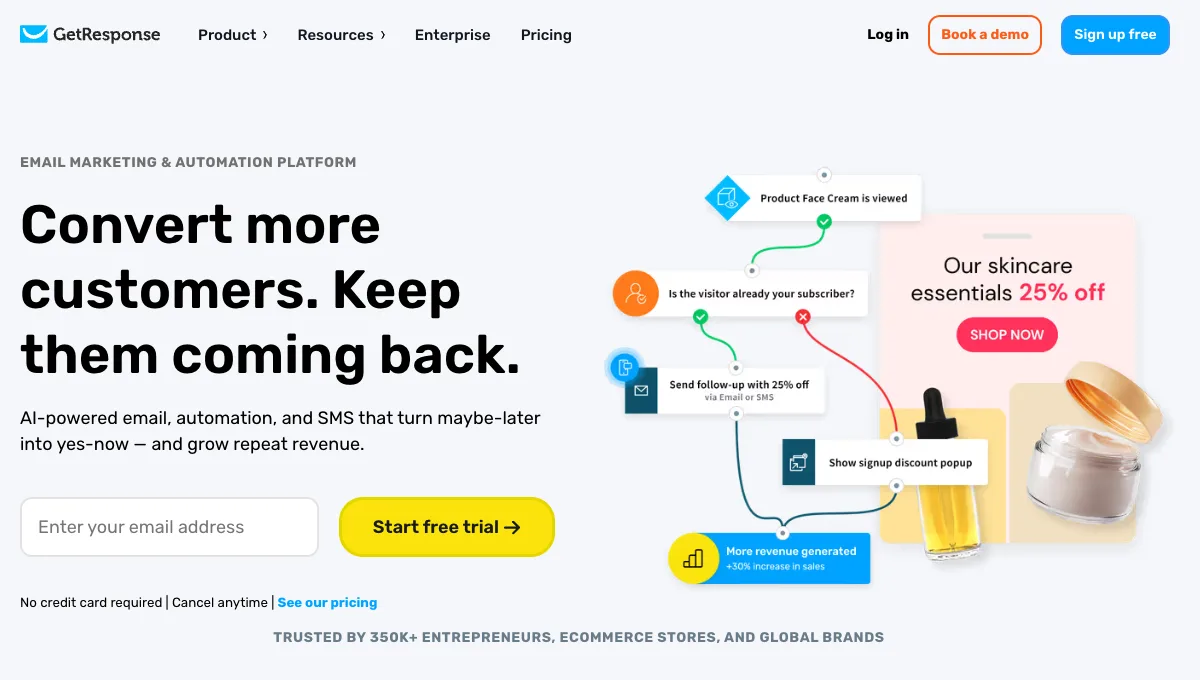
What sets it apart is its scope. Where most email tools stop at sending, GetResponse covers the whole journey: bringing in a visitor, turning them into a subscriber, nurturing them by email, then selling them a product, a course or a subscription.
Newsletters and the email editor
You build your emails in a drag-and-drop editor, from a template or with an AI generator that suggests the subject line, the copy and the layout. Sends are unlimited on every plan: only the number of contacts changes the price.
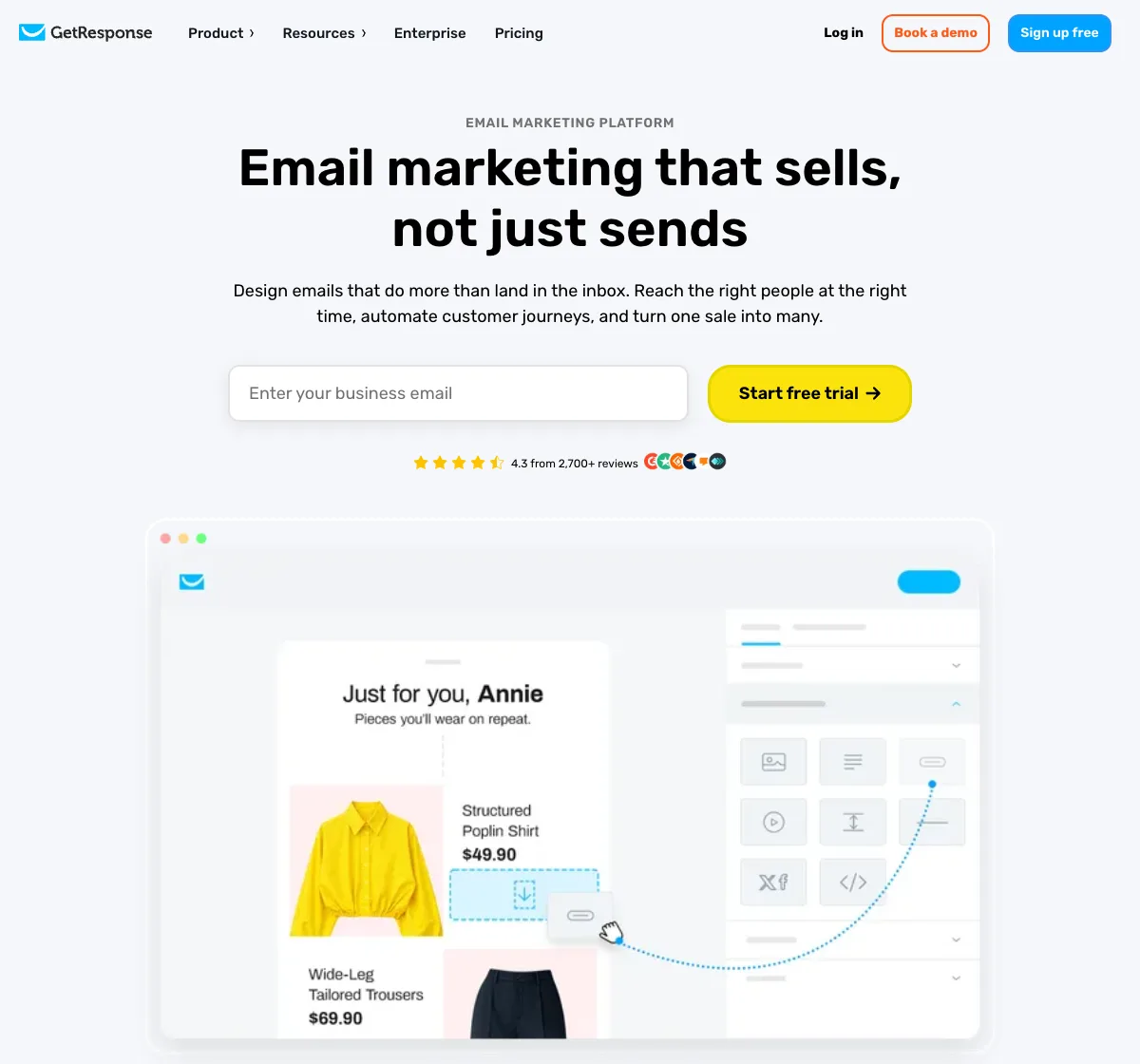
The tool takes care of the details that get an email opened: A/B tests, inbox preview in the main email clients, a spam check and two well-designed sending options. Perfect Timing sends each message at the time the recipient usually checks their inbox, and Time Travel delivers it at the same local time everywhere in the world. A blog can also send its new posts automatically through RSS-to-email.
Marketing automation
GetResponse lets you draw a subscriber’s journey on a visual canvas: a sign-up triggers a welcome email, a click adds a tag, an abandoned cart starts a reminder. Ready-made templates save you from starting from scratch.
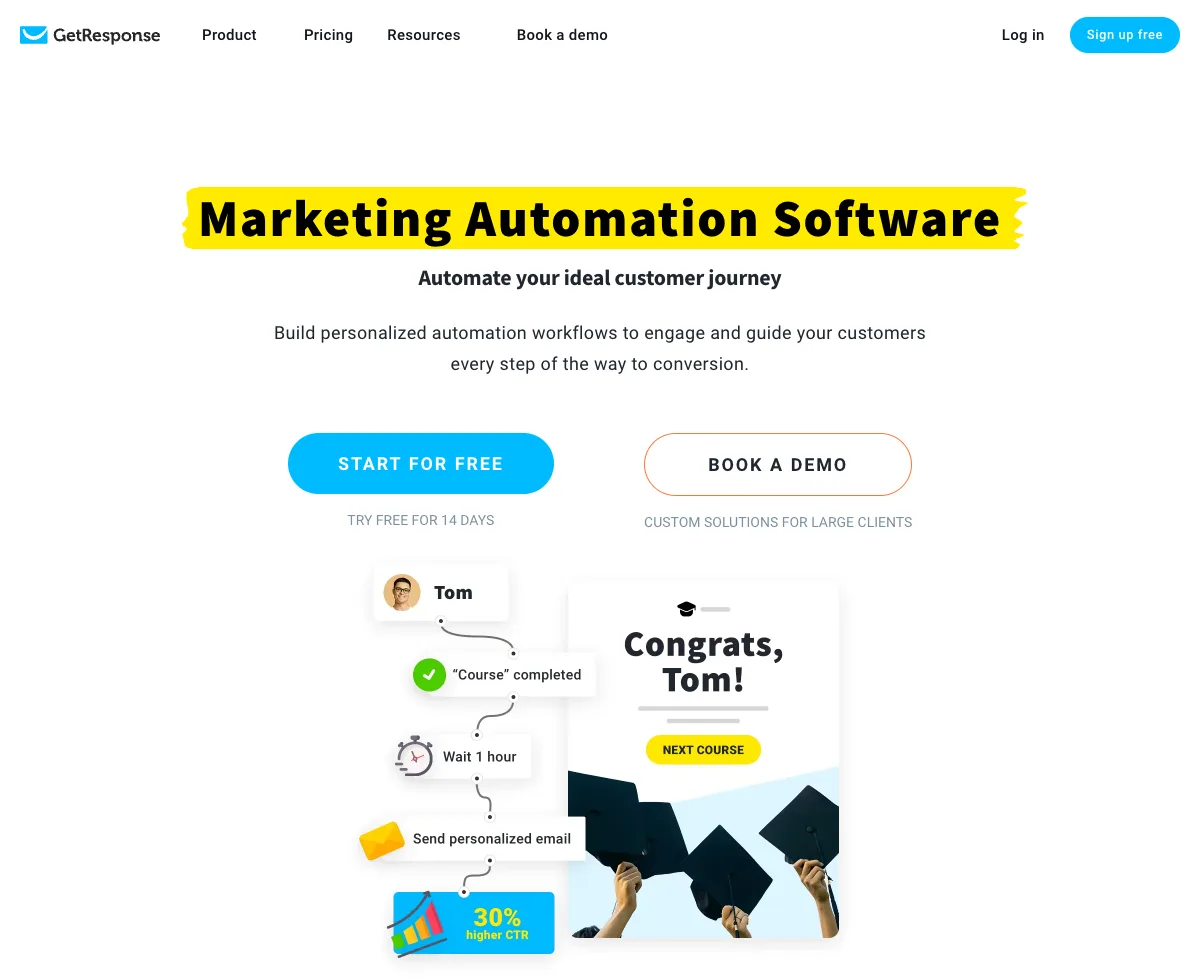
The Starter plan includes welcome email series and one custom automation workflow. Unlimited workflows, advanced segmentation and abandoned cart recovery come with the Marketer plan: that is the one to aim for if automation is at the centre of your project.
Landing pages, forms and sales funnels
Every plan includes a landing page builder, sign-up forms and popups. You pick a template, adapt it to your colours and publish it without touching code, and an AI creator can draft the page for you. From Marketer, sales funnels link these building blocks together: an ad, a page, an email series, a checkout page.
A yearly plan comes with a free custom domain, handy for publishing your pages under your own address.
Webinars, online courses and premium newsletters
This is what most sets GetResponse apart. The Creator plan adds webinar software connected to your list: registrants get their reminders by email, and you find attendees in your contacts. Creator hosts up to 100 live attendees with three presenters, on-demand and paid webinars and three hours of recordings; Enterprise goes up to 1,000 attendees and 20 hours of recordings.
The same plan includes a course creator for up to 500 students, premium newsletter subscriptions and a website builder. A trainer or a consultant can capture an audience, engage it and sell their expertise without leaving the tool.
GetResponse pricing
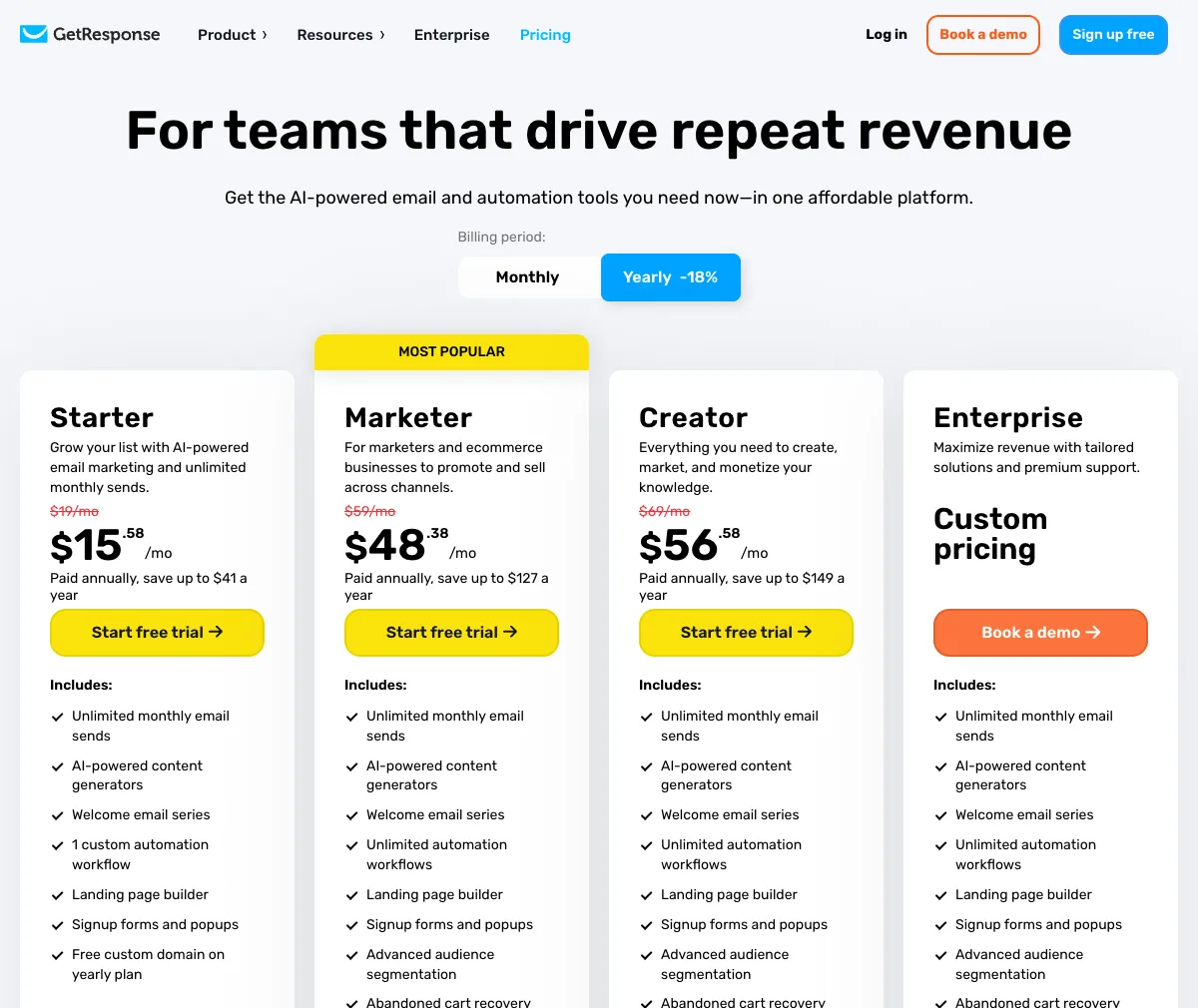
GetResponse offers three plans and a custom Enterprise offer. Prices are in US dollars and depend on the size of your list. Here are the prices for 1,000 contacts. Yearly billing is 18% cheaper.
| Plan | Billed monthly | Billed yearly | What it adds |
|---|---|---|---|
| Starter | $19 a month | $15.58 a month | Unlimited sends, welcome series, one automation workflow, landing pages, forms and popups |
| Marketer | $59 a month | $48.38 a month | Unlimited automations, advanced segmentation, abandoned cart, sales funnels, promo codes, web push |
| Creator | $69 a month | $56.58 a month | Webinars, website builder, course creator for 500 students, premium newsletters |
| Enterprise | Custom pricing | Custom pricing | SMS, transactional emails, dedicated IP address, premium priority support |
Prices shown are net amounts, before any local taxes. Every plan comes with a 14-day free trial, no credit card required, and you can change plans whenever you like.
Want to see the tool from the inside?
A 14-day trial of the premium features, no credit card required.
Is GetResponse free? What the trial gives you
The trial lasts 14 days and needs no credit card. It opens the premium features: emails, landing pages, forms and automations. That is enough to import a list, send a first campaign and set up a welcome sequence before choosing a plan.
At the end of the trial, you can upgrade to a paid plan, from $15.58 a month billed yearly for Starter, or keep logging in to the free version of your account, with a reduced set of features.
Starter, Marketer or Creator: which plan should you choose?
- Starter if you are launching a newsletter and a landing page, with a welcome sequence.
- Marketer if you run an online store or if your sales rely on automation: cart recovery, segmentation, funnels.
- Creator if you sell your expertise: webinars, online courses and premium newsletters are included.
- Enterprise for very large lists, with SMS, transactional emails and dedicated support.
GetResponse vs Mailchimp
Both tools send newsletters and run automations, but they do not take the same path. Mailchimp focuses on campaigns and e-commerce for small businesses. GetResponse goes further down the funnel: unlimited sends on every plan, sales funnels from Marketer, and webinars, courses and premium newsletters on Creator. If you sell training, coaching or digital products, GetResponse replaces several tools on its own.
Who is GetResponse for?
Course creators, coaches and consultants
This is the audience where the tool is furthest ahead: the Creator plan alone replaces an email tool, a webinar platform and a course host.
Online stores
Cart recovery, promo codes, sales funnels and revenue reports: the Marketer plan is built to sell.
Bloggers and publishers
A landing page, a form and automatic sending of new posts are enough to build a list. The Starter plan covers it.
Small businesses
Those who want a single tool for their campaigns, pages and automations save time and a subscription.
GetResponse’s strengths
- Unlimited sends on every plan.
- A very complete tool: emails, pages, funnels, webinars and online courses.
- A clear interface despite the number of features.
- A simple email editor, with AI writing help.
- 24/7 support, and help to migrate from another tool.
- A 14-day trial with no credit card.
Things to know
The tool’s richness has a flip side: allow a few days to explore it, and start with one building block rather than all of them. Full automation requires the Marketer plan, noticeably more expensive than Starter. The price follows the size of your list: look at the tier you will reach in a year. Finally, SMS and transactional emails are part of the Enterprise offer.
Getting started with GetResponse
- Open a free trial with your email address.
- Import your list or create a new one.
- Publish a landing page from a template.
- Write a welcome sequence of three emails.
- Send your first newsletter with Perfect Timing, when your subscribers read.
- Add a webinar or a funnel once the list is up and running.
GetResponse vs the alternatives
| Tool | The right choice if… |
|---|---|
| GetResponse | You want emails, landing pages, sales funnels and webinars in the same tool |
| Brevo | You want email, SMS, WhatsApp and contact management, with a free plan |
| Kit | You are a creator and mostly want a newsletter and simple automations |
| Mailchimp | You run an online store and mostly need promotional campaigns |
| MailerLite | You want a low-cost subscription for a small list |
To compare with other tools, browse all my tool reviews.
GetResponse FAQ
How much does GetResponse cost?
For 1,000 contacts, Starter costs $19 a month, Marketer $59 and Creator $69, with 18% off on yearly billing: $15.58, $48.38 and $56.58 a month. The price then rises with the size of the list.
Is GetResponse free?
Every plan comes with a 14-day free trial, no credit card required. After that, you upgrade to a paid plan or keep a free version of your account with fewer features.
Is GetResponse better than Mailchimp?
For selling training, webinars or digital products, GetResponse goes further, with funnels, webinars and a course creator. For promotional campaigns in a small store, both do the job.
Is the number of emails limited?
No. Sends are unlimited on every plan, only the number of contacts counts.
Can I host webinars with GetResponse?
Yes, from the Creator plan. Registrants and attendees are connected to your email list.
Can I switch from another email tool?
Yes. GetResponse offers migration help to bring over your list and your templates.
My verdict on GetResponse
GetResponse is the tool to choose when email is only part of your project. It can send a newsletter, but it can also capture sign-ups, nurture them, invite them to a webinar and sell them a course, all without stacking subscriptions. Unlimited sends and a trial with no credit card make it a risk-free choice to get started.
Start with the 14-day trial, a landing page and a welcome sequence, then choose Marketer to sell online or Creator to sell your expertise.
Want emails, pages and webinars in one place?
Unlimited sends, landing pages, automations and webinars, free to try for 14 days with no credit card.
The GetResponse links on this page are affiliate links: if you subscribe through them, I earn a commission, and you pay the same price. My opinion remains my own.